Install the plugin
To add the plugin to GeoCat Find:
- Stop the application
- Download the latest patch version of the plugin from our Nexus repository. If you run a GeoCat Find 2026.1, download the latest patch version related, for example
gne-2026.1-dutch-non-geographic-metadata-dcat.zip. - Unzip the package.
- Copy the jar file provided to
$CATALINA_BASE/webapps/geonetwork/WEB-INF/lib. - Restart GeoCat Find.
- Configure the plugin. See next section.
Configuration
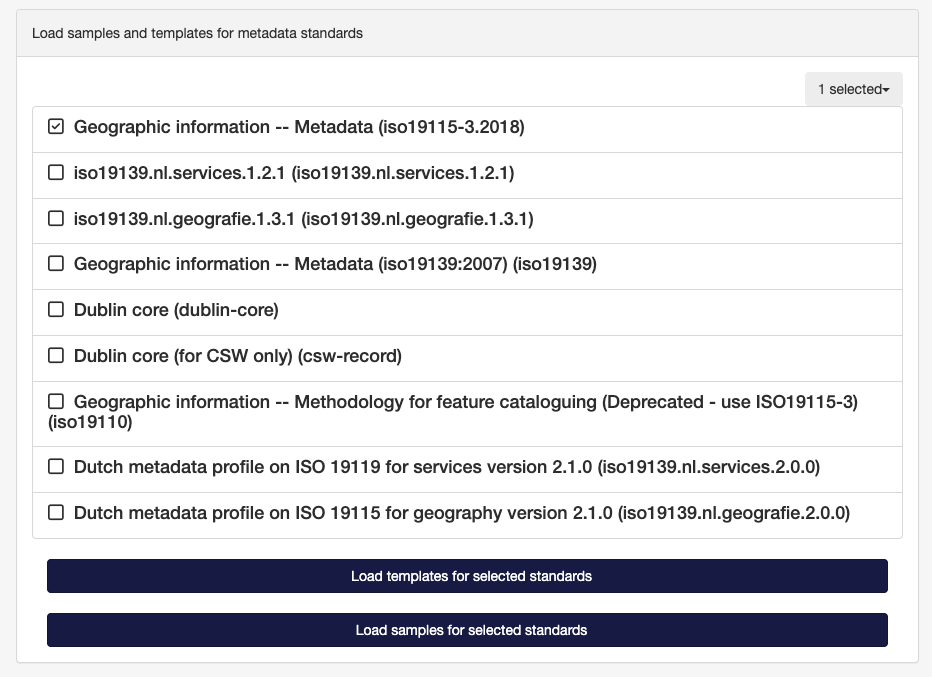
You first have to go to Admin console ❯ Metadata and templates and load the templates for Geographic information -- Metadata (iso19115-3.2018) metadata standard.
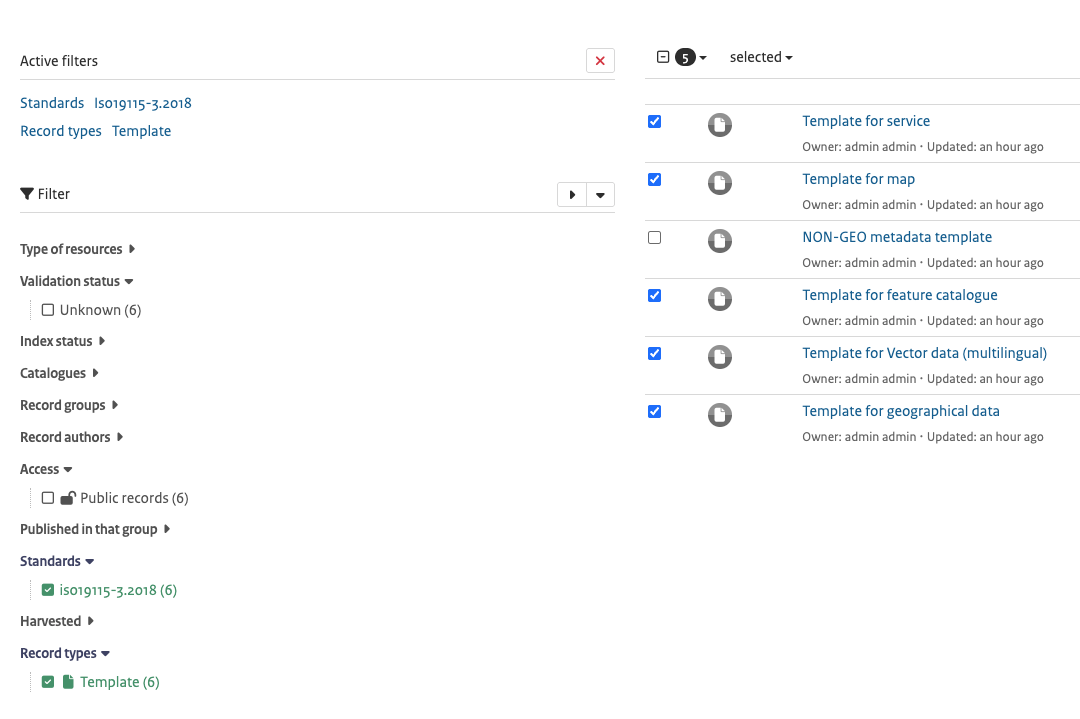
Go to Contribute ❯ Editor board and select the templates for the standard iso19115-3.2018, except the NON-GEO metadata template.
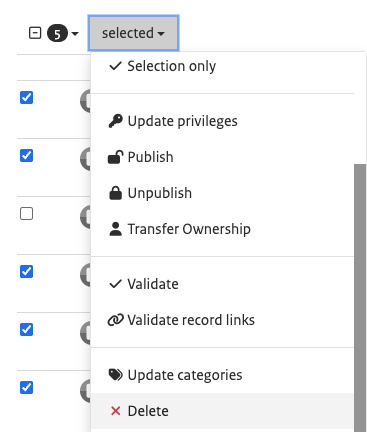
And delete them: