Downloading GeoCat Find
GeoNetwork can be installed using a Web Archive Resource "war" file. The Web Archive Resource contains GeoCat Find as a web-application, which can be deployed in an application server.
The GeoCat Find web application resource file is available to GeoCat users in the Nexus Repository Manager.
GeoCat Find provides 2 packages:
geocat-find-2026.1.zip: a package containing the metadata schemas available in GeoNetwork opensource and a customised user interface with a clean, simple design.geocat-find-dutch-2026.1.zip: a package for Dutch users that includes the Dutch dataset and service metadata schemas, as well as a customised user interface with a clean, streamlined design, tailored to the Dutch metadata.
Follow these steps to download it:
-
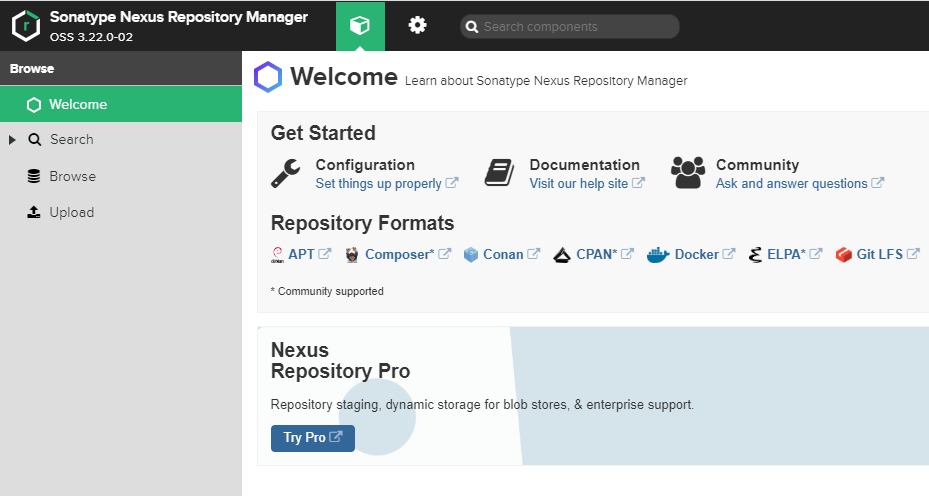
Open your Web browser and navigate to https://nexus.geocat.net.
Log in with your credentials.
-
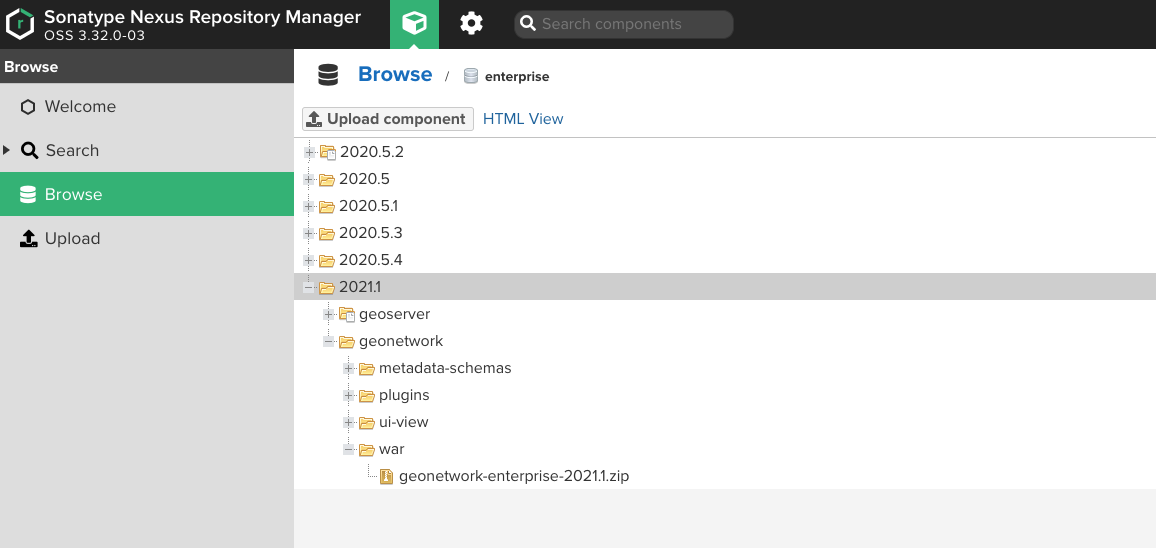
Move to the Browser section and locate the enterprise folder.
-
Open the folder 2026.1/geonetwork/war and locate the package containing the most recent version (
geocat-find-2026.1.zipor thegeocat-find-dutch-2026.1.zip). Expand it and click on thezipfile it contains.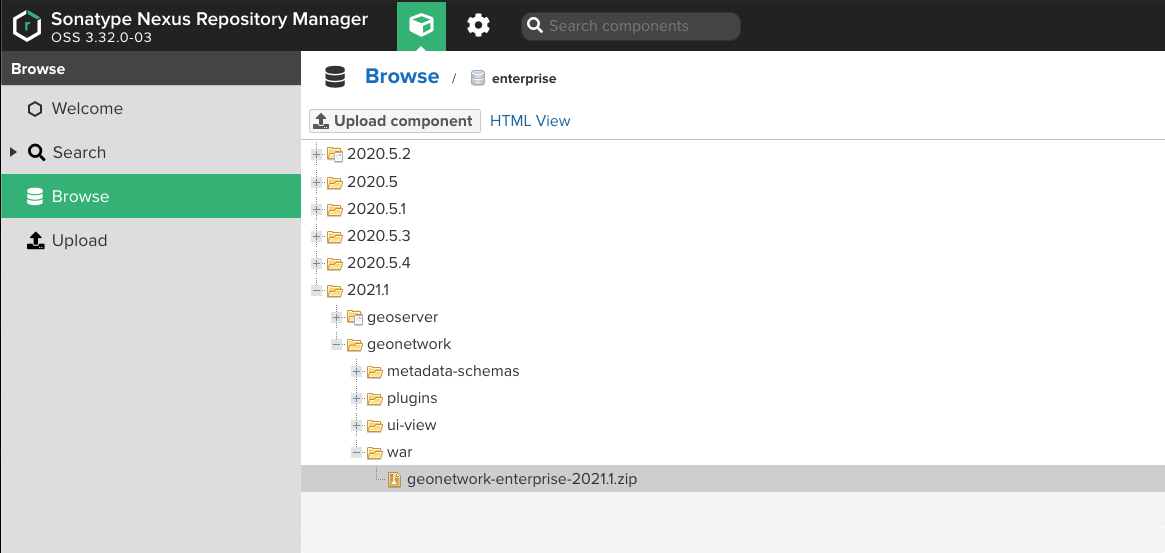
-
In the file properties, download the path link to download the
zipfile (it contains awarinside).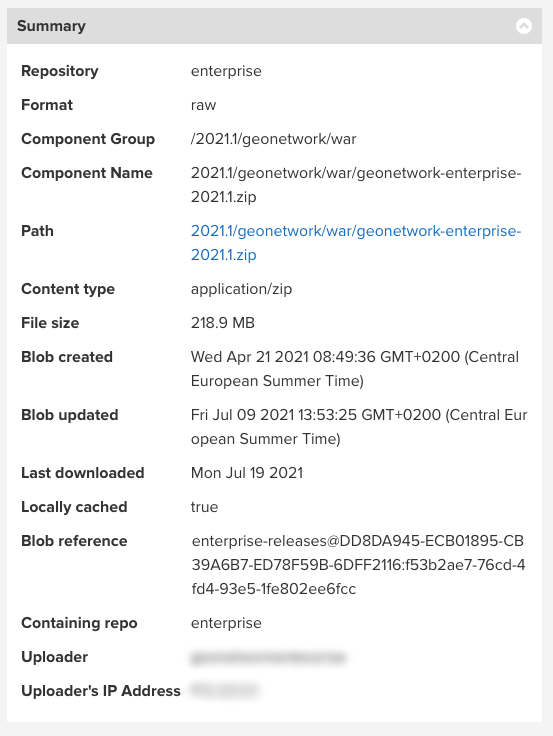
-
Download the
geocat-find-2026.1.zipor thegeocat-find-dutch-2026.1.zipfile.This archive contains:
geonetwork.warlicense.htmlrelease_notes.html
These files will be used during the installation and deploy.
-
Use a browser to navigate to https://nexus.geocat.net. Log in with your credentials.
Move to the Browser section and locate the enterprise folder.
Open the folder 2026.1/geonetwork/war and locate the
zipfor the most recent version.In the file properties, locate the path link to download the
zipfile.This is the path used when downloading below.
-
Create a temporary folder to download geocat-find:
Download using the username and password provided, and the version number determined above.
-
Unzip this file in your tempoary folder
extracting: geocat-find-2026.1.zip
 inflating: geonetwork.war
 inflating: license.html
 inflating: release_notes.html
These files will be used during the installation and deploy.