Use the libjpeg-turbo library
The libjpeg-turbo library creates jpeg in a more efficient way that the default libjpeg library. To use it in GeoServer, two things must be installed: the library itself and the libjpeg-turbo Map Encoder extension.
Installing the libjpeg-turbo library
To install the library in a Windows machine, follow these steps:
-
Download the library installer for the libjpeg-turbo download page
-
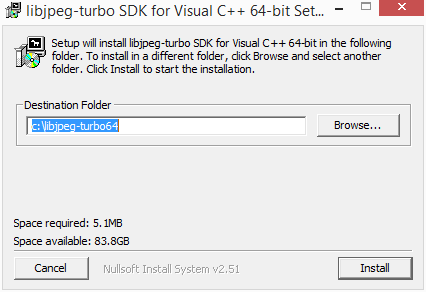
Execute the installer and follow the installation instructions.
Installing the Map Encoder extension
-
Login to nexus.geocat.net and browse to the products folder:
Navigate to the latest
2026.1/map/pluginsfolder and downloadmap-2026.1-libjpeg-turbo-plugin.zip. -
Unzip the downloaded zip file in the
WEB-INF/libdirectory of the GeoServer installation. -
Restart you GeoServer instance for the changes to take effect.