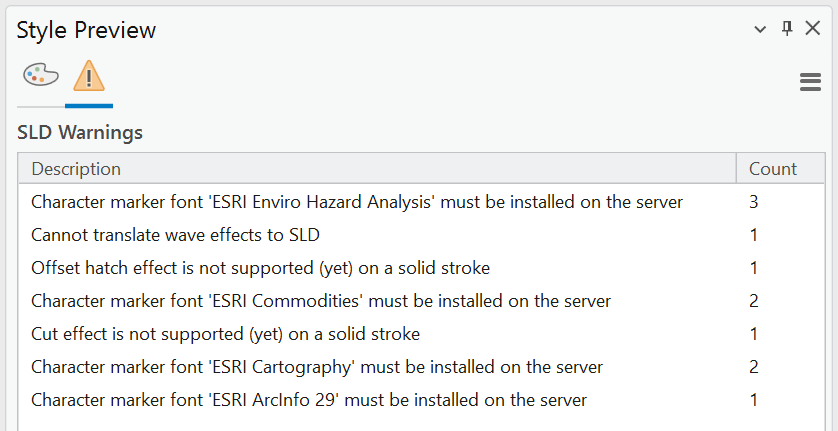
Style Preview pane
This pane previews the SLD style that Bridge generates for a layer and can save it to disk. For the workflow, see Preview and save styles. For how symbology is converted to SLD (including GeoServer vendor options), see Symbology conversion.
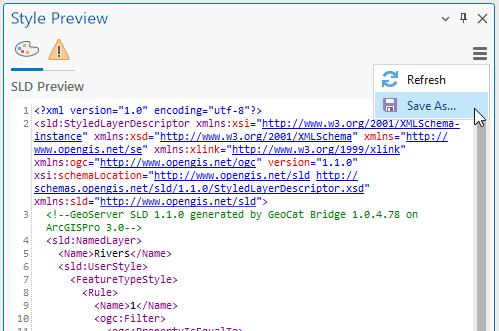
- Layer selection: click a layer in the Table of Contents (TOC) of the active map to render its SLD XML. Image references are replaced by dummy file names (e.g.
symbol.svg). - Save As... (top-right corner): saves the SLD and its auxiliary PNG/SVG files with their actual names. Requires a license.
-
Warnings tab: lists conversion issues. Click the
 icon to view them. If the layer is not supported, there is no SLD output.