Product details
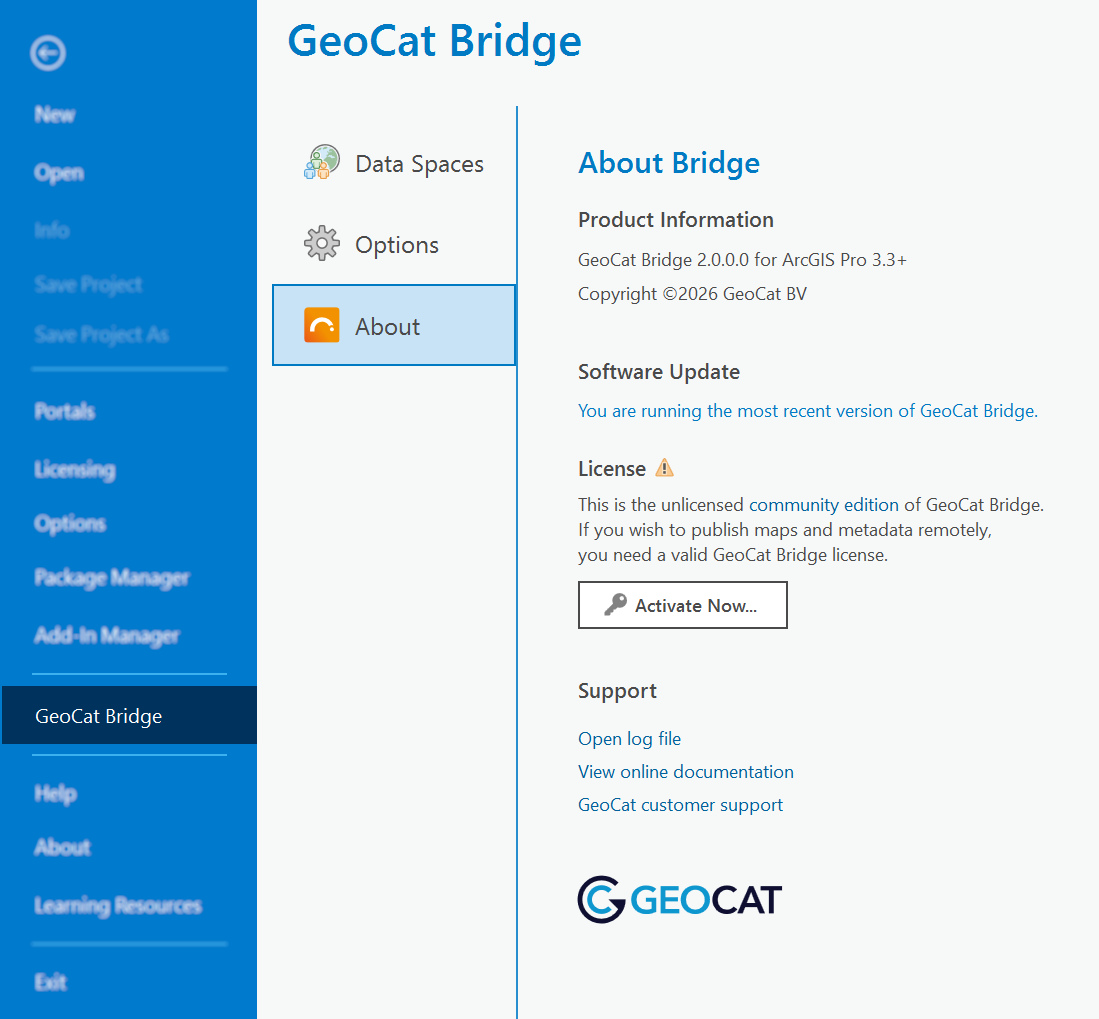
The About tab shows product version information, license details and a couple of useful support links:
- Open log file: opens the GeoCat Bridge log file in the default text editor.
- View online documentation: opens this documentation page in the default browser (requires internet connection).
- GeoCat customer support: opens a new email to GeoCat support in the default mail application (requires internet and GeoCat customer support account).
You can also click the GeoCat logo at the bottom to navigate to the corporate website.
Software update
Since version 2.0, GeoCat Bridge can also check for new updates. The check is performed each time you open the About tab, provided that you have a working internet connection.
Bridge can also notify you (once per ArcGIS Pro session) about new releases. It will follow ArcGIS Pro's own update settings for that, i.e. if Check for updates on startup(1) has been disabled in the ArcGIS Pro About page, Bridge will not notify you about any updates either.
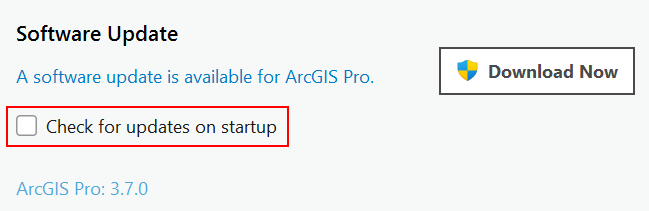
Once Bridge has confirmed that a new version exists, it will present a Download button.
Note that this will not install the software itself: it only saves the latest .esriAddinX file to disk.
After the download is complete (Bridge verifies its checksum), you have to close ArcGIS Pro and double-click the file to install it.