Default admin password warning
GeoServer has a predefined admin user, which can be used to access GeoServer with full administration priviledges.
Required:
- The default password for the
adminuser must be changed to avoid unauthorized access to your GeoServer instance.
Reference:
To change the password of the admin user
-
Go to the GeoServer administration web page at
[your GeoServer root url]/web(for instance: http://localhost:8080/geoserver/web )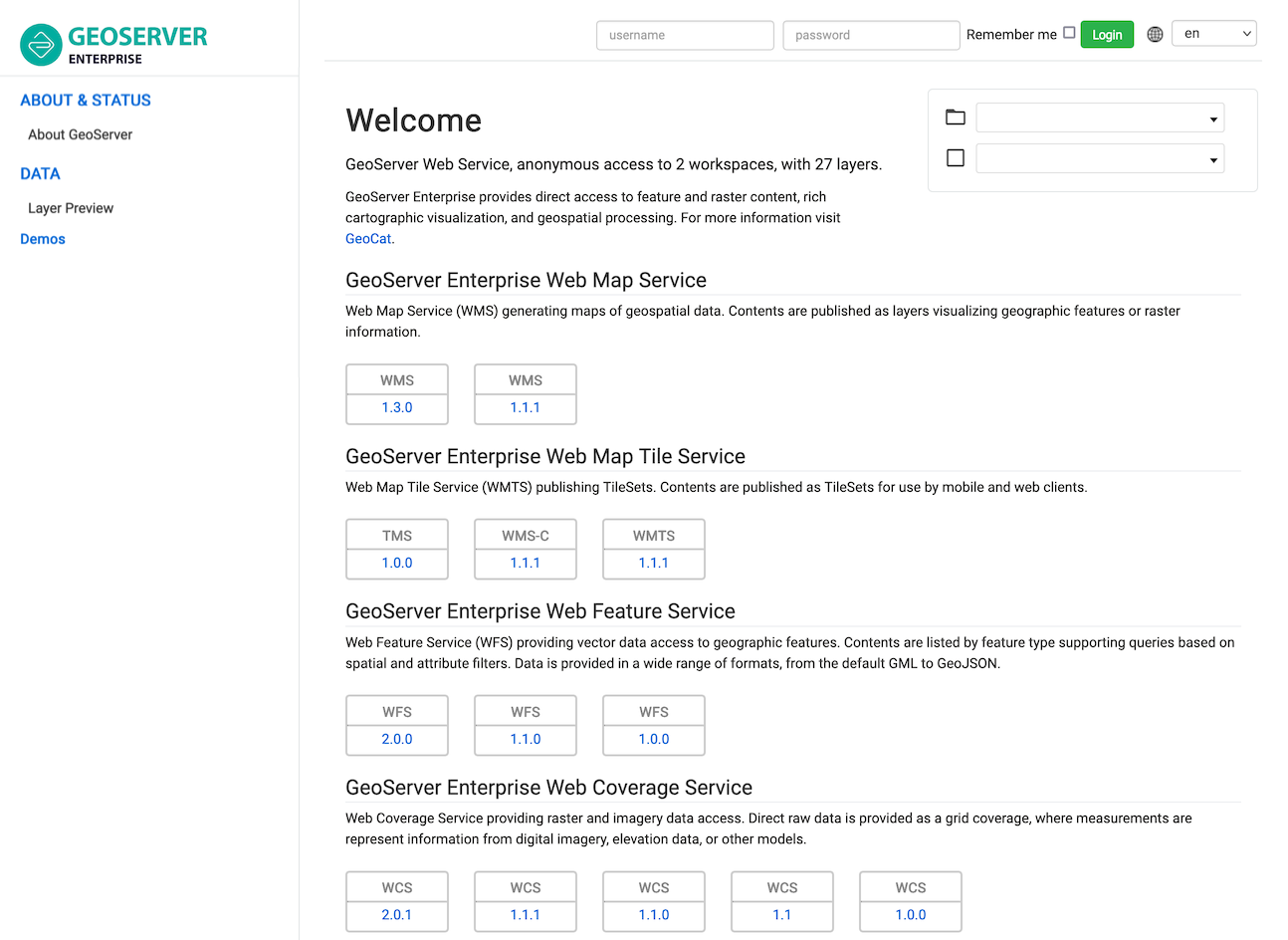
-
Login using the login fields in the upper part of the page.

Use
adminas username andgeoserveras password. -
Now that you are logged in as an Administrator, the welcome page will list configuration warnings to be addressed.
Locate the warning:
The administrator password for this server has not been changed from the default. It is highly recommended that you change it now. Change it
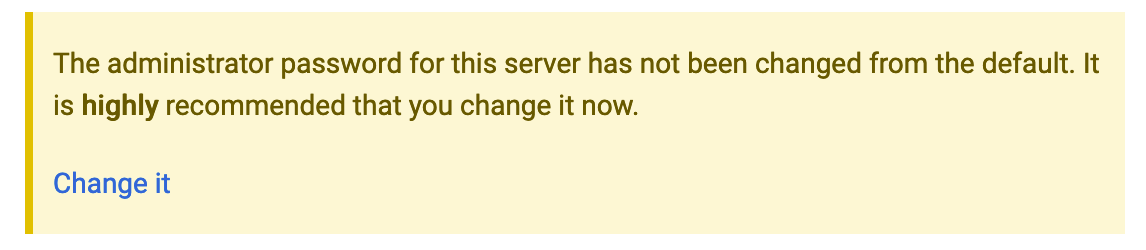 Default admin password warning
 -
Click on the Change it to open the Edit user page for the
adminuser: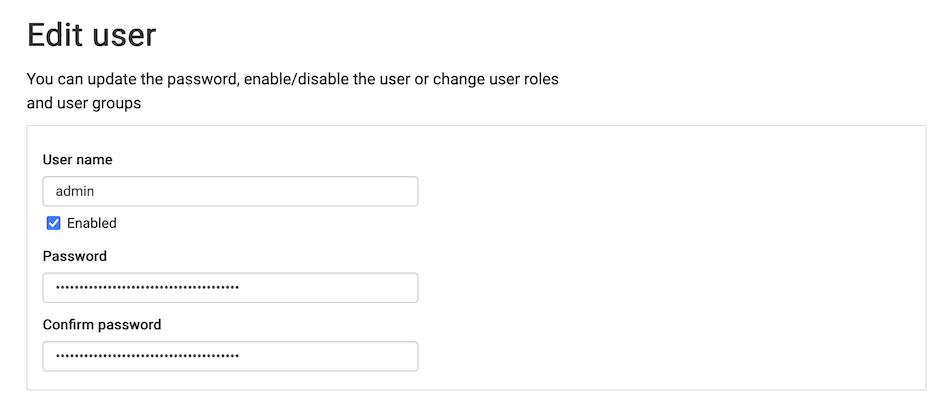
-
Type in the new password to use for the
adminuser. -
Press Save to save your changes.