Set production logging levels
GeoServer has several different logging modes, each of them with a different level of detail. Among the, there is one specifically suited for production servers.
To set the production logging level, follow these steps:
-
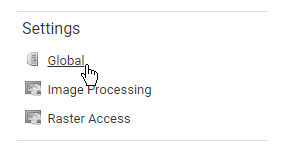
Open the global settings page, clicking on the Settings link in the main page of the Geoserver web interface.
-
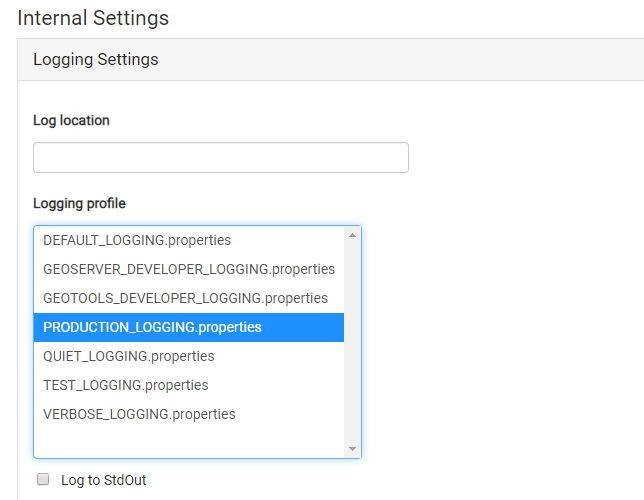
In the Loggin profile field, select the PRODUCTION_LOGGING.properties option.
-
Click on the Submit button to save your changes.